Voice Talent Studio Logo

Order Professional Greetings
for Your Phone System

Order Professional Greetings for Your Phone System

- Only for Current Unitel Voice Customers -

- Only for Unitel Voice Customers -

Open Chat To Start

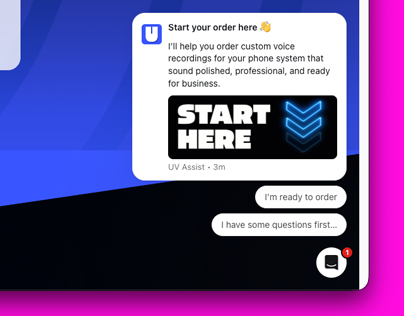
1. Open the Chat

Start your order using the chat in the corner

Pick Voice

2. Pick Your Voice

Pick from AI or human voice talent

Pick Greeting

3. Write Your Script

Choose a greeting type and write your script

Write Script

4. Review & Submit

Confirm your recordings and add more if needed

Open Chat To Start

1. Open the Chat

Start your order using the chat in the corner

Pick Voice

2. Pick Your Voice

Pick from AI or human voice talent

Pick Greeting

3. Write Your Script

Choose a greeting type and write your script

Write Script

4. Review & Submit

Confirm your recordings and add more if needed

Which Voice Is Best For You?

You’ll select your voice when placing your order in the chat.

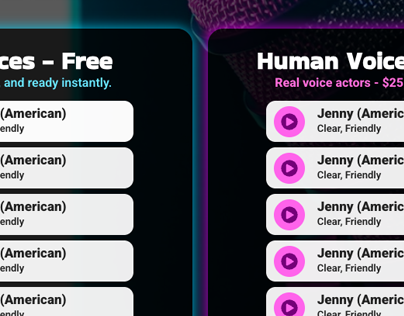
AI Voices - Free

fast, professional, ready in 24hrs

Kara (American)

Clear, Friendly

Aria (American)

Clear, Professional

Sara (American)

Calm, Confident

Mack (American)

Deep, Smooth

Guy (American)

Clear, Friendly

Daniel (American)

Calm, Relatable

Human Talents

Human Voice Talents

$10 per recording,
ready in 3-5 days

$10 per recording, ready in 3-5 days

Jenny (American)

Clear, Friendly

Jack (American)

High Spirited

Emily (American)

Calm, Smooth

Lauren (American)

Smooth, Confident

Charles (British)

Stable, Confident

Olivia (British)

Cheerful, Friendly

María (Spanish)

Clear, Friendly

Different Types of Greetings

Learn what each greeting does & use these examples to help write your scripts.

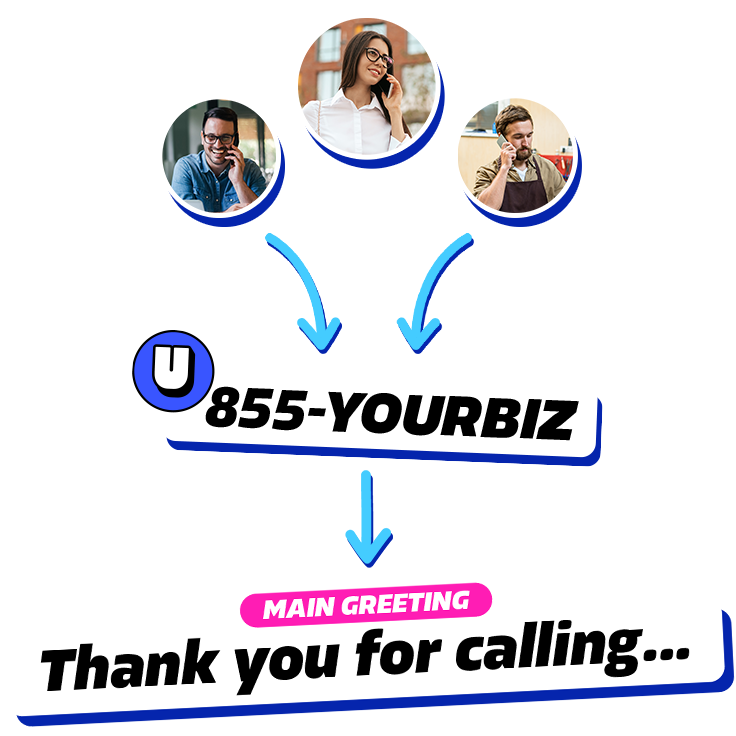
Main Greeting

What it is?

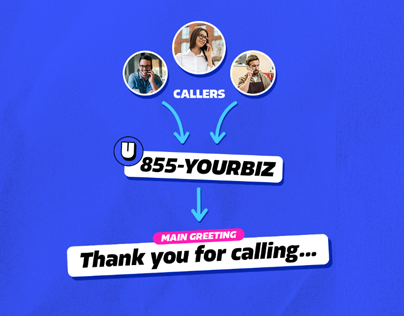
This is the first message callers hear when they call your business. It welcomes them and tells them how to reach the right person or department.

If your phone system uses extensions, this is where you explain those options.

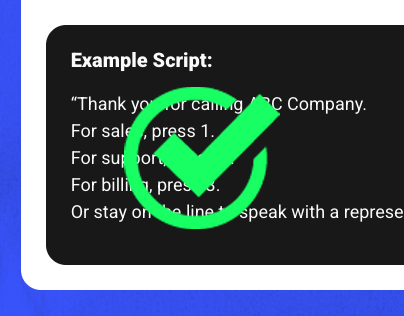
Example Script:

“Thank you for calling ABC Company.
For sales, press 1.
For support, press 2.
For billing, press 3.
Or stay on the line to speak with a representative.”

Main Greeting Diagram
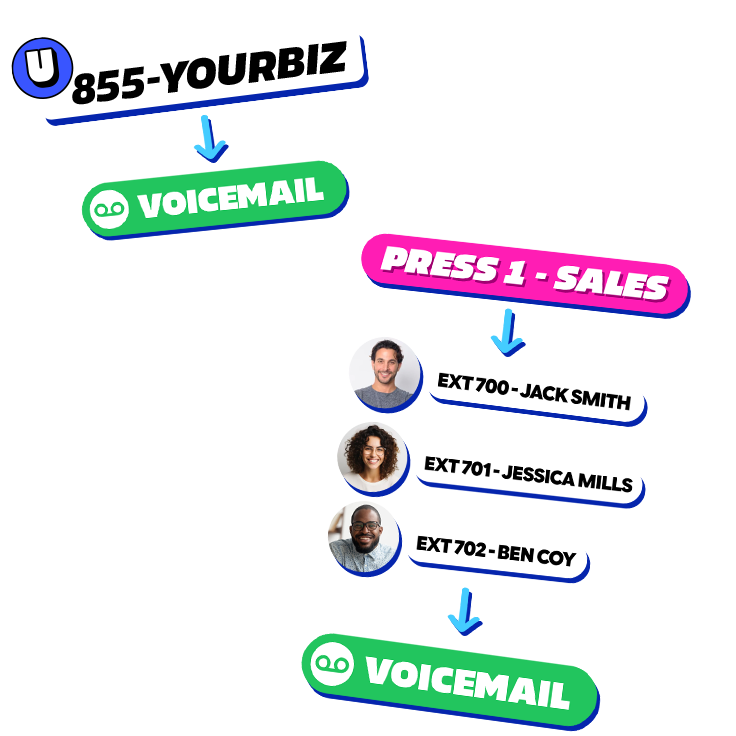
Voicemail Greeting Diagram

Voicemail Greeting(s)

What it is?

This message plays when no one answers the phone. You can create one for your main line, departments, or individual employees. It should let callers know who they’ve reached and what information to leave.

Example Script:

“You’ve reached the sales team at ABC Company. We’re unable to take your call right now. Please leave your name, number, and a brief message, and we’ll get back to you as soon as possible.”

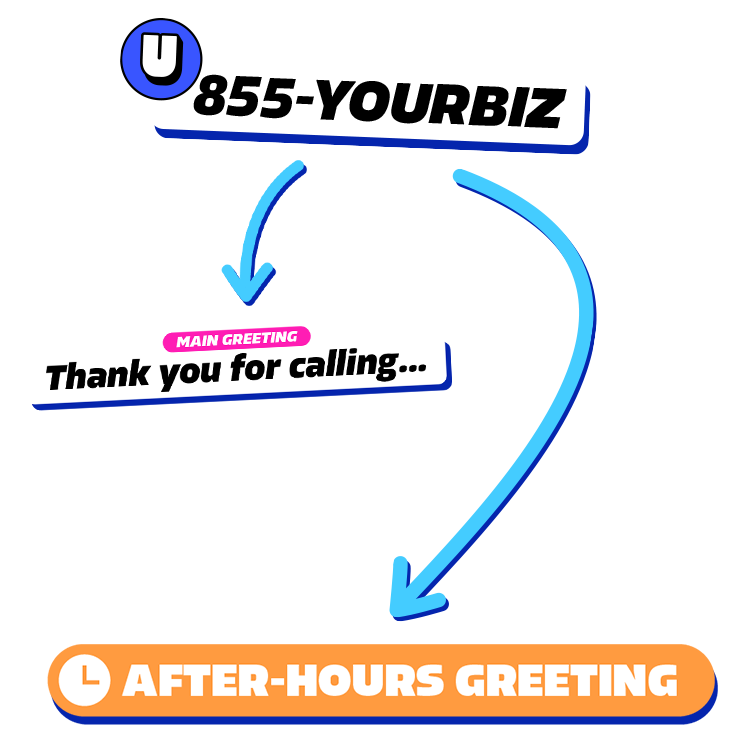
After-hours Greeting Diagram

After-Hours Greeting

What it is?

This message plays when your business is closed. It lets callers know your hours and what they can do next. You can give callers the option to leave a message or call back during business hours.

Example Script:

“Thank you for calling ABC Company. Our office is currently closed. Our normal business hours are Monday through Friday, 9 AM to 5 PM. Please press 9 to leave a message, or call back during business hours.”